
Dental Clinic Management System
Dental clinic management software for patient records, visit history, treatment image uploads, clinic supplies, and branded clinical documents.
Overview
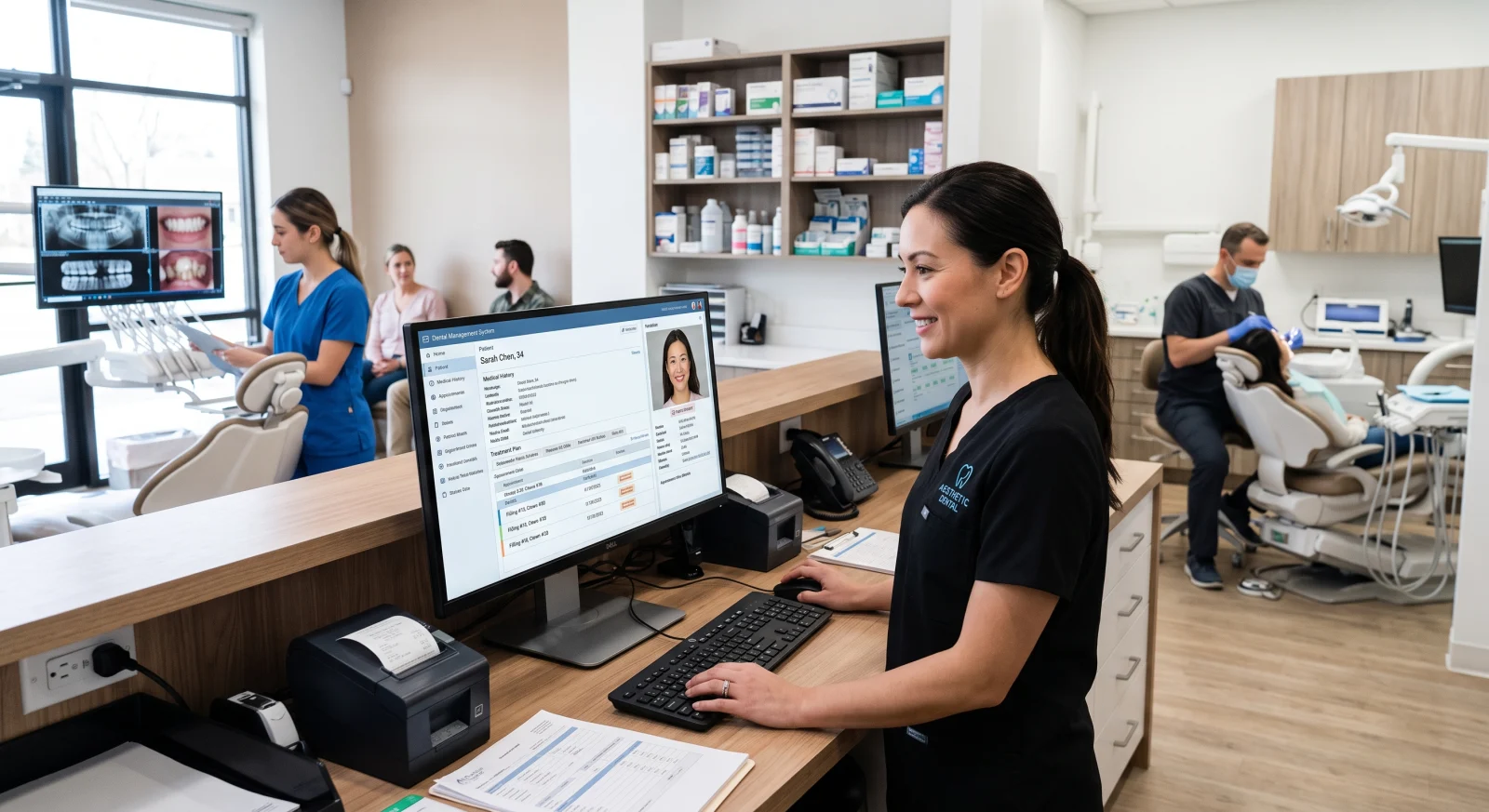
Dental practices handle patient information, visit notes, treatment images, and supplies throughout a busy working day. Our dental clinic management system brings these administrative records into one structured application, helping authorised doctors and clinic staff find the information they need for their assigned tasks. The system supports record organisation and document preparation; clinical decisions remain with qualified professionals.
Patient profiles can hold the agreed identifying details and visit history, with X-ray or treatment image uploads attached to the appropriate record. A consistent structure helps staff locate previous information without searching through unrelated folders. During discovery, we agree the fields required, the people who can access them, and how existing records should be prepared if data migration is included.
Clinic supply tracking and branded document generation support additional daily tasks. Letterheads and prescription templates can use your clinic's approved layout and details, with the responsible clinician reviewing clinical content before use. Inventory fields are defined around the supplies you intend to track, rather than assuming a generic stock process fits every practice.
Because the application holds sensitive information, access, hosting, backups, and data handling need to be planned as part of the project. We use sample or de-identified records during review wherever possible and test patient lookup, image association, and document output with your team. Any additional requirements, such as appointment booking, billing, external imaging connections, or specific compliance assessments, are discussed separately before being included in the scope.
Why it helps
- Keep a patient's agreed records and visit information together for authorised users.
- Associate uploaded treatment images with the correct patient context.
- Prepare consistent clinic-branded documents using approved templates.
- Give staff a structured way to maintain the clinic supplies included in the system.
What's included
- Patient profiles and visit history with agreed information fields.
- X-ray and treatment image uploads linked to patient records.
- Clinic supply inventory tracking.
- Branded letterhead and prescription document templates for clinician review.
- Administration access for agreed doctor and staff roles, with deployment and handover planning.
How we work
- 01 Discover: agree record fields, staff responsibilities, document templates, and handling requirements.
- 02 Configure: customise the application and prepare any approved data import.
- 03 Review: test representative tasks with sample records and verify role access and document output.
- 04 Launch: deploy the agreed system and hand over user access, operating instructions, and support arrangements.
Case study
Illustrative case study: preparing for a returning patient's visit
The challenge: A clinic stores visit notes and image files in separate places, so staff need to check several sources before an appointment.
The approach: Link visit entries and uploaded images to a patient profile, with access limited to the agreed staff roles. Use clinic-approved templates for documents that the clinician reviews before issuing.
What to evaluate: Verify correct patient-image association, record retrieval, access boundaries, and printed output using sample data. This example concerns administrative organisation and makes no claim about clinical outcomes or regulatory certification.